
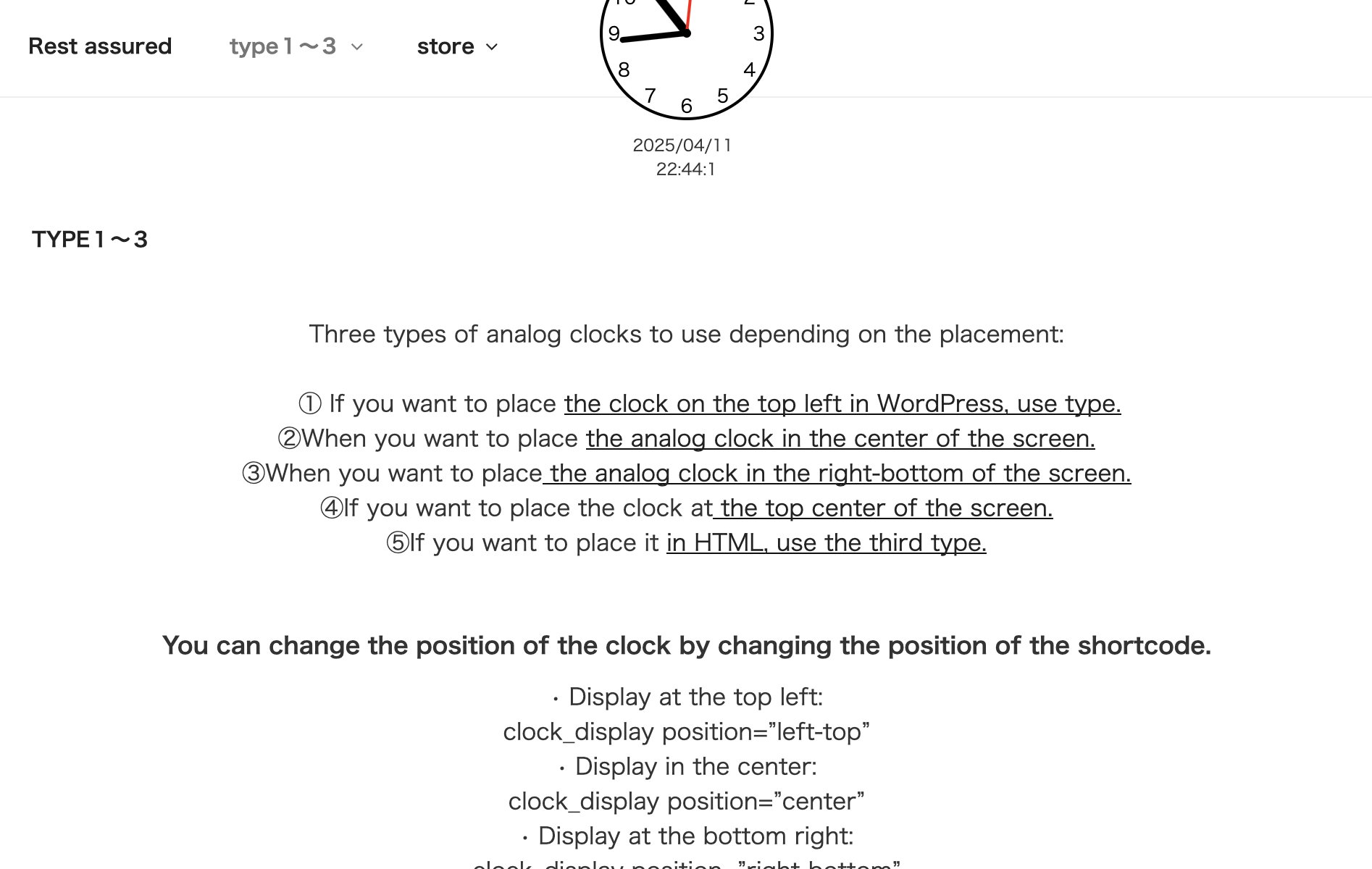
Three types of analog clocks to use depending on the placement:
① If you want to place the clock on the top left in WordPress, use type.
②When you want to place the analog clock in the center of the screen.
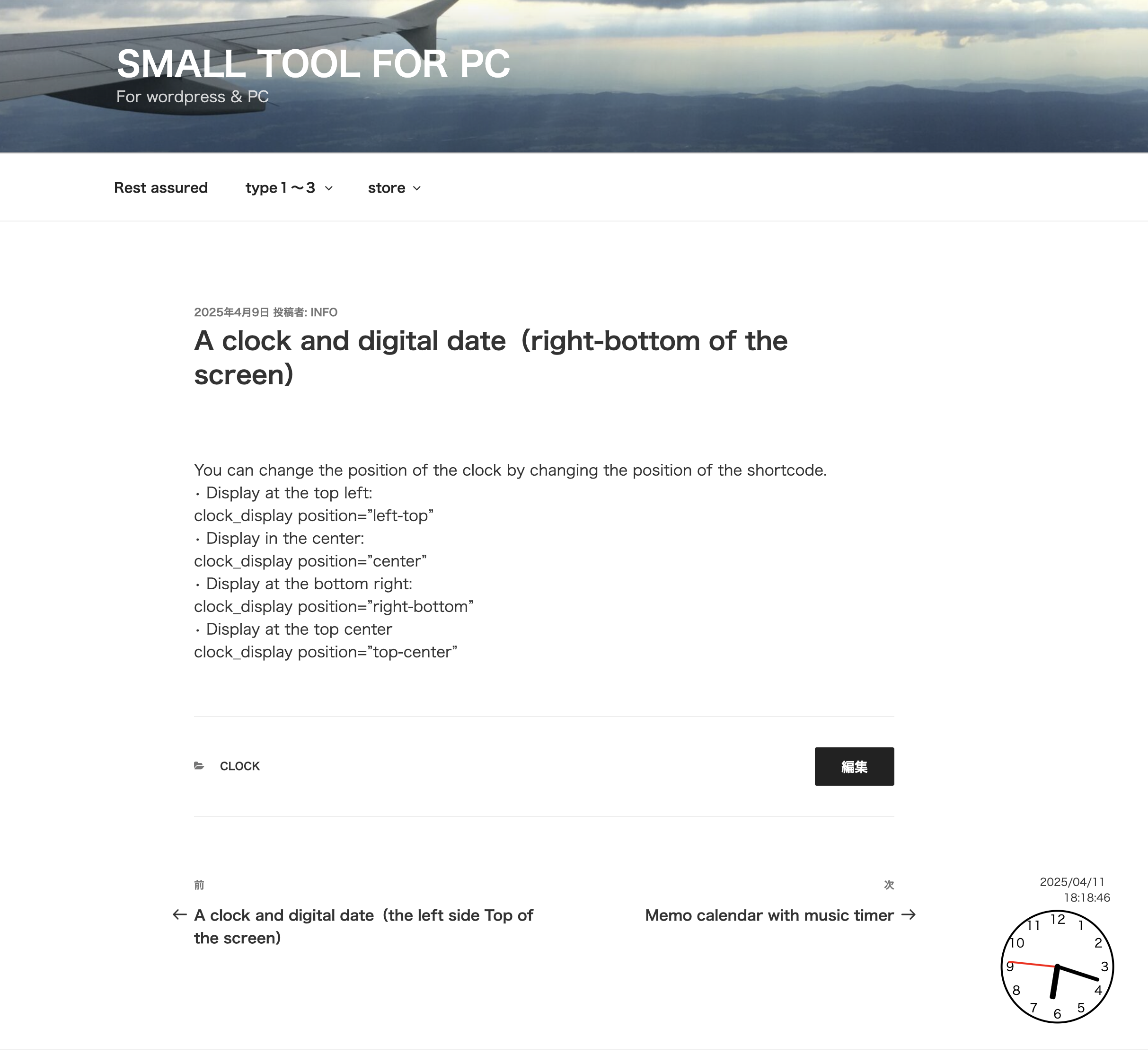
③When you want to place the analog clock in the right-bottom of the screen.
④If you want to place the clock at the top center of the screen.
⑤If you want to place it in HTML, use the third type.
You can change the position of the clock by changing the position of the shortcode.
• Display at the top left:
clock_display position=”left-top”
• Display in the center:
clock_display position=”center”
• Display at the bottom right:
clock_display position=”right-bottom”
• Display at the top center
clock_display position=”top-center”
Can I use this analog clock, digital clock, and date in real time on WordPress sites around the world?Yes, you can basically use it in real time on WordPress sites around the world.